
The 3-Layer Claude Code Configuration That Runs 10 Projects
Take your AI coding to the next level

Boris Tane, the creator of Claude Code, published his workflow a few weeks ago. I read it, compared it to the setup I’ve been running across 10 production projects, and found something I didn’t expect.
We agree on the fundamentals. We disagree on architecture. And the gap reveals something important about how AI coding tools scale.
The Problem Nobody Talks About
Claude Code ships with an empty CLAUDE.md file and zero guidance on what to put in it. Most people either leave it blank or dump everything into a single file.
Both approaches break down. Blank means Claude asks clarifying questions on every task (you become the bottleneck). Single-file dump means every project gets the same instructions, including ones that contradict each other.
Boris solves this by going deep on a single project at a time. His CLAUDE.md files are rich, detailed, and self-contained. He shares entire reference repositories alongside feature requests. He runs type checking continuously. When implementation drifts, he reverts and re-plans instead of patching.
These are genuinely excellent practices. I adopted four of them this week.
But his setup optimizes for one thing: solo velocity on a focused project.
When you’re running 10 projects across Docker infrastructure, AI agents, a content system, and production analytics, you need a different architecture.
Boris vs. Production: The Comparison
Boris’s approach:
Single rich CLAUDE.md per project
Full repo shared as reference
“Don’t implement yet” annotation cycles
Continuous typecheck during implementation
Revert and rescope after 2 corrections
My setup (before adopting his practices):
3-layer separation (global, project, agents)
Reference implementation pointers with file paths
Binary plan/implement → adopted his annotation cycles this week
No validation → adopted his continuous typecheck this week
Patch-on-patch → adopted his revert-and-rescope this week
3 specialized sub-agents with cross-project governance
Langfuse tracing on every agent interaction
The Three-Layer Framework
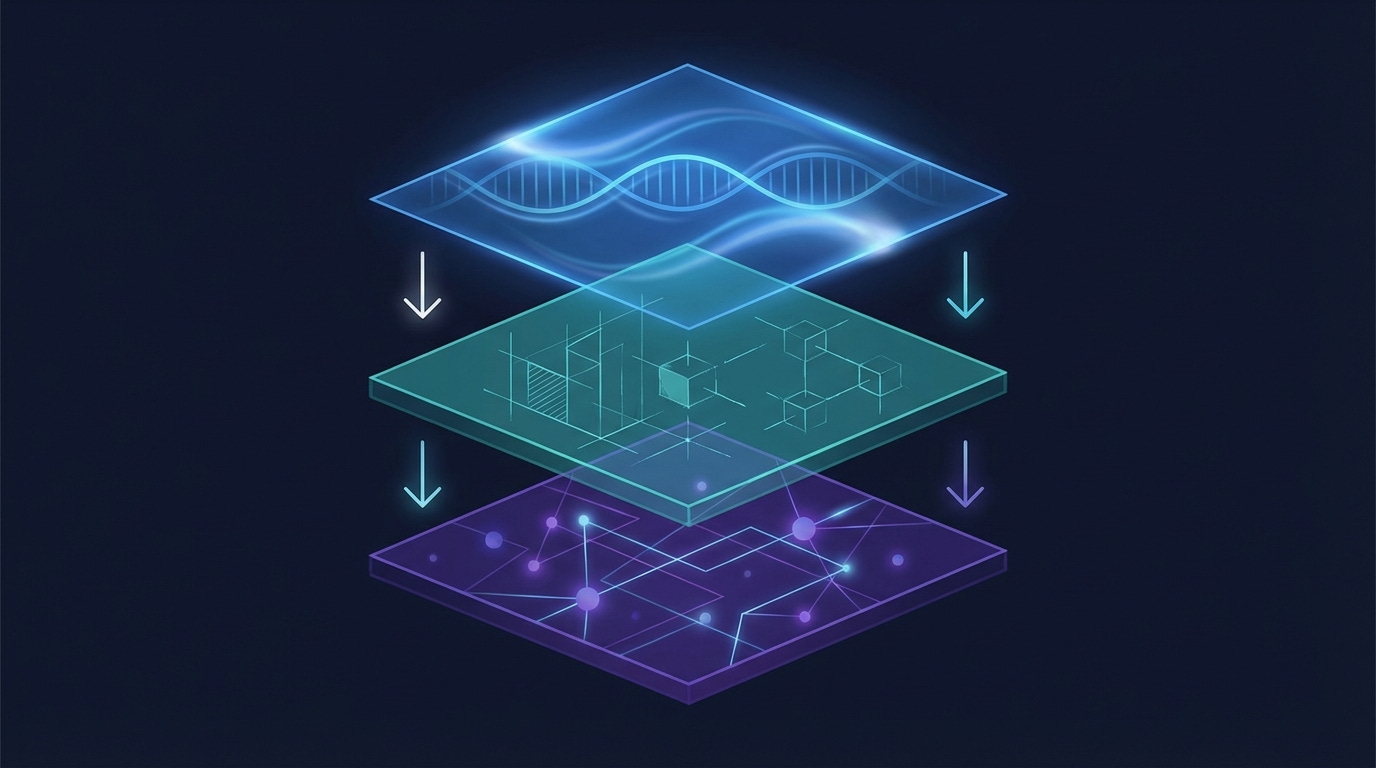
The setup that works across 10+ projects separates concerns into three layers.
Layer 1: Global Identity and Workflow (~/.claude/CLAUDE.md)
Your professional DNA. This file travels with you across every project. Mine has four sections:
Professional identity and communication style. Who you are, how you work, what tone you expect. (”Direct and practical — skip the fluff. Prefer structured outputs I can iterate on.”)
Request triage. When to plan vs. execute. This single rule saves hours: multi-file changes get a plan first, single-file fixes just get done. Default: plan. Planning is cheap; rework is expensive.
Execution delegation. A table that routes work to 3 specialized sub-agents. File edits with clear specs go to the implementer (Sonnet). Deep codebase exploration goes to the researcher (Sonnet). Debugging and architectural decisions stay with me (Opus). This table eliminates the most common mistake I see: asking the most expensive model to do mechanical work.
Universal code quality rules. Max 50 lines per function. Max 500 lines per file. No broad
except Exception. Every PR justifies net-positive line count. These apply everywhere, regardless of project.
Key numbers: 4 governance hooks (plan annotation, revert-and-rescope, reference implementations, research artifacts), 1 delegation table that routes work to 3 specialized agents.
Layer 2: Project Context and Constraints (each project’s CLAUDE.md)
This is where the real magic happens. Layer 2 is the tribal knowledge that prevents your AI from making mistakes you’ve already learned from.
Here’s what the Layer 2 looks like for my Docker infrastructure project (sanitized):
## Architecture
Docker Compose orchestrates:
├── ClickHouse (:8123 HTTP, :9001 native)
├── ntfy (:8090) - Push notification server
├── Gatus (:8082) - Health monitoring → ntfy alerts
├── Langfuse (:3050) - LLM observability
└── LibreChat (:3080) - Multi-model chat UI

Native launchd (outside Docker):
├── docker-watchdog (every 5min) - Detects Docker hangs
├── backup-all.sh (daily 2AM) - 10 services, 2-backup retention
└── start-all.sh (on boot) - Port checks, parallel stack start

## Key Learnings
1. Bind to 127.0.0.1 — prevents Tailscale serve conflicts
2. Autoheal restarts unhealthy containers within 30s
3. restart: on-failure:5 prevents infinite crash loops
4. All 15 containers have resource limits (~12GB / 15.66GB)
5. Docker watchdog runs OUTSIDE Docker — catches daemon hangs
   that in-Docker monitoring (Gatus, healthchecks) can't see

## What NOT to Do
- Don't modify port bindings without updating Tailscale configs
- Don't remove resource limits — protects against OOM cascade
- Don't manually edit LaunchAgent plists — edit source, re-copy
- Don't re-enable OrbStack pause_in_sleep — causes zombie Docker
14 key learnings. 11 “don’t do this” rules. Step-by-step procedures for reboot recovery, backup/restore, and port conflict resolution. Every one of these was a real failure that cost me hours. Now Claude Code knows about all of them before it touches a single file.
Without this Layer 2, Claude Code would happily modify a port binding without updating the Tailscale serve config, or remove a resource limit because “it’s not needed.” With it, those mistakes are impossible.
Layer 3: Agent Specialization (~/.claude/agents/*.md)
Each agent gets a narrow role, a specific model, and validation rules. Here’s the implementer:
name: implementer
model: sonnet
tools: Read, Edit, Write, Bash, Grep, Glob

Rules:
- Follow the spec exactly. Note ambiguities rather than guessing
- Do not refactor surrounding code unless explicitly asked
- After each edit, run the appropriate project checker:
  pyproject.toml → poetry run python -m py_compile <file>
  tsconfig.json  → npx tsc --noEmit
  Cargo.toml     → cargo check
- Fix validation failures immediately before moving on
The researcher writes findings to persistent artifacts (.claude/research/YYYY-MM-DD-<topic>.md) instead of losing them when the conversation ends. The test-runner reports concisely: pass count, fail count, failure details.
The result: sub-agents execute without asking clarifying questions 90%+ of the time, because the right context lives in the right layer.
Want the full template? I've packaged all three layers into a fill-in template with placeholders, examples, and decision logic. Download the 3-Layer Configuration Template → https://forms.gle/b21LdNtqYRNiJoXH9
What I Adopted from Boris
Four practices that translate directly from solo to multi-project:
Plan annotation cycles. Say “don’t implement yet” to refine plans iteratively before any code changes. Typically 1-6 rounds. This alone catches scope creep before it starts.
Reference implementations. Instead of describing features from scratch, point to existing code in the codebase. The implementer grounds its work in proven patterns.
Revert-and-rescope. If implementation drifts more than 2 corrections from the plan, revert everything and re-plan. Counterintuitive, but it prevents the patch-on-patch debt that makes codebases unreadable.
Continuous validation. The implementer now detects project type (pyproject.toml, tsconfig.json, Cargo.toml) and runs the appropriate checker after each edit. Errors get caught immediately, not at the end.
When to Use Which Approach
Not everyone needs three layers. The decision depends on your context:
Solo, 1 project: Boris’s approach wins. Rich single file, deep context, fast iteration.
Solo, 3+ projects: Layer separation starts paying off. Global rules prevent contradictions.
Team, shared project: Layer 2 in the repo, Layer 3 for shared agents.
Enterprise, multiple teams: All three layers, plus a governance review process.
The universal principle: config quality determines capability ceiling. An empty CLAUDE.md isn’t “keeping things simple.” It’s forcing Claude to ask questions you’ve already answered.
If You Haven’t Started Yet
Everything above assumes you’re already using an AI coding assistant. If you’re not — or if you’re evaluating one for your team — here’s what I wish someone had told me before I started.
What AI coding assistants actually unlock isn’t faster typing. It’s three capabilities that manual coding can’t replicate:
Overnight autonomous work. I have agents that scan industry signals, prepare weekly content, and run security audits while I sleep. They produce work I review over coffee. This isn’t theoretical — I showed the full observability setup in a previous issue, and it’s been running in production for two months.
Encoded methodology. My content system has 23 skills and 6 autonomous agents that know my brand voice, my publishing workflow, and my quality gates. I didn’t write these rules once and hope — they’re tested against real output weekly. The AI follows my methodology more consistently than I do.
Multi-project governance. I work across 10 production projects. Global rules prevent the same mistakes across all of them. When I learn something the hard way in one project (like “never remove Docker resource limits”), every project benefits immediately.
The barrier to entry is lower than you think. Claude Code installs in one terminal command. The first week, just use it as a smart coding partner — no configuration needed.
Week two, add a CLAUDE.md file with your preferences. Week three, you’ll understand why the three-layer approach exists, because you’ll have hit the exact limitations it solves.
If you’re evaluating AI coding tools for your team and want to think through which approach fits your architecture, reply to this email. I have these conversations with enterprise engineering teams every week at ClickHouse — I’m happy to share what I’m seeing across the industry.
The Template
I’ve packaged the complete 3-layer configuration into a fill-in template: global CLAUDE.md, project CLAUDE.md, and agent definitions — with placeholders, examples, and the decision logic for when to use each layer.
It took me months of iteration across 10 projects to land on this structure. The template gives you the architecture without the trial and error.
Download the 3-Layer Configuration Template → https://forms.gle/b21LdNtqYRNiJoXH9
Drop your email and the template is yours instantly. No paywall, no drip sequence — just the files.
And if there’s enough interest, I’m planning a live, hands-on workshop where we build the entire system together in a single afternoon: config, hooks, skills, agents, observability. Reply to this email if that’s something you’d show up for.
If this was useful, forward it to someone building with Claude Code. And follow me on LinkedIn for the shorter version of these ideas.
Until next week, Don
The execution delegation table in layer 1 is the piece most multi-project setups are missing. Without it you end up with everything routed to the same model and the same context regardless of task type, which is where configs start failing at scale.
Your three-way split (global identity + project tribal knowledge + agent specialization) maps closely to what I landed on after 1000+ sessions, though I got there messier. The 'don't do this' rules in layer 2 are underrated - explicit prohibitions age better than positive instructions because they survive refactoring.
Full architecture breakdown from the solo side: https://thoughts.jock.pl/p/how-i-structure-claude-md-after-1000-sessions
Yeah it has been a journey for me as well. 1000s of sessions later here we are. In some projects I'd have a claude.md in subdirectories if it would mean loading less context for a specific task.